
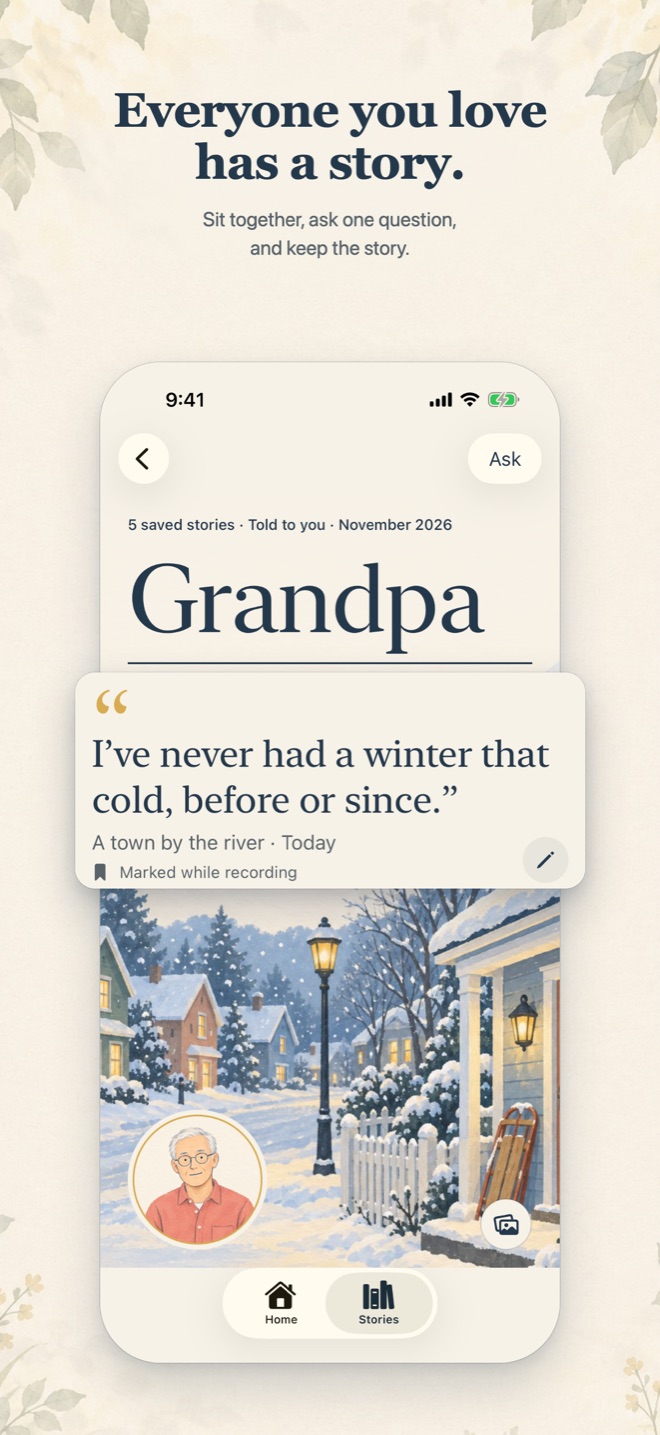
Everyone you love
has a story.
Us is for a conversation with someone beside you: a parent, a grandparent, a partner. Sit together, ask one question, and keep the story.
Free to start. Never a subscription.
For iPhone, with iOS 26 or later.
The whole app, in two minutes
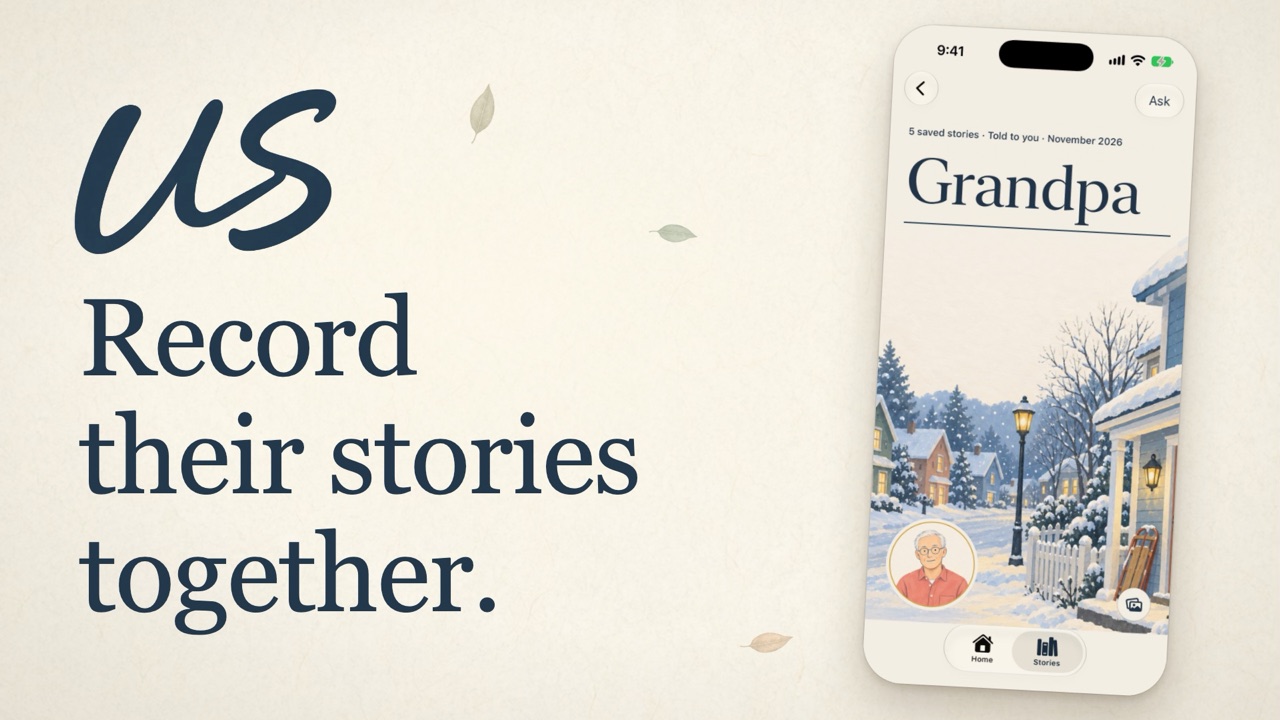 Play the film (it opens from YouTube)
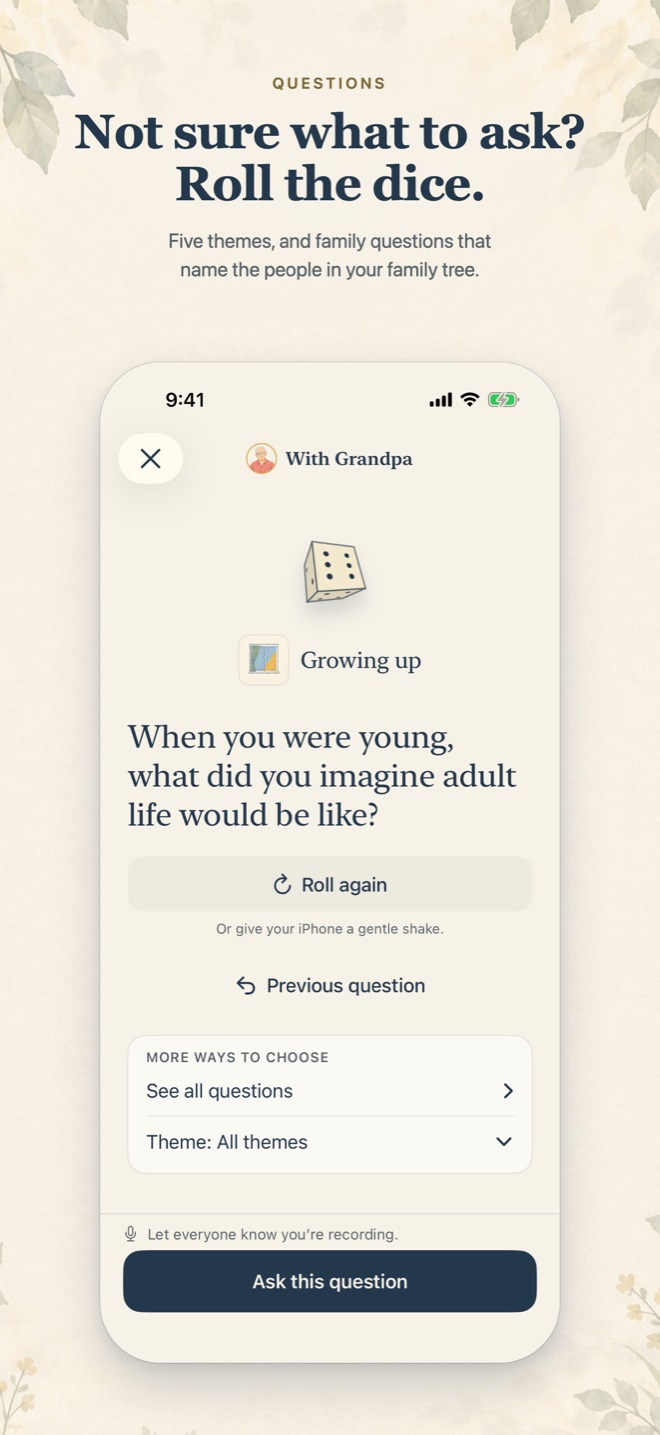
Roll the dice for a question
Questions in five themes: Family, Growing up, People & everyday life, Life changes, and What matters & what’s next. Family questions follow your family tree and name the people in it: “What was Joe like when you were growing up?”
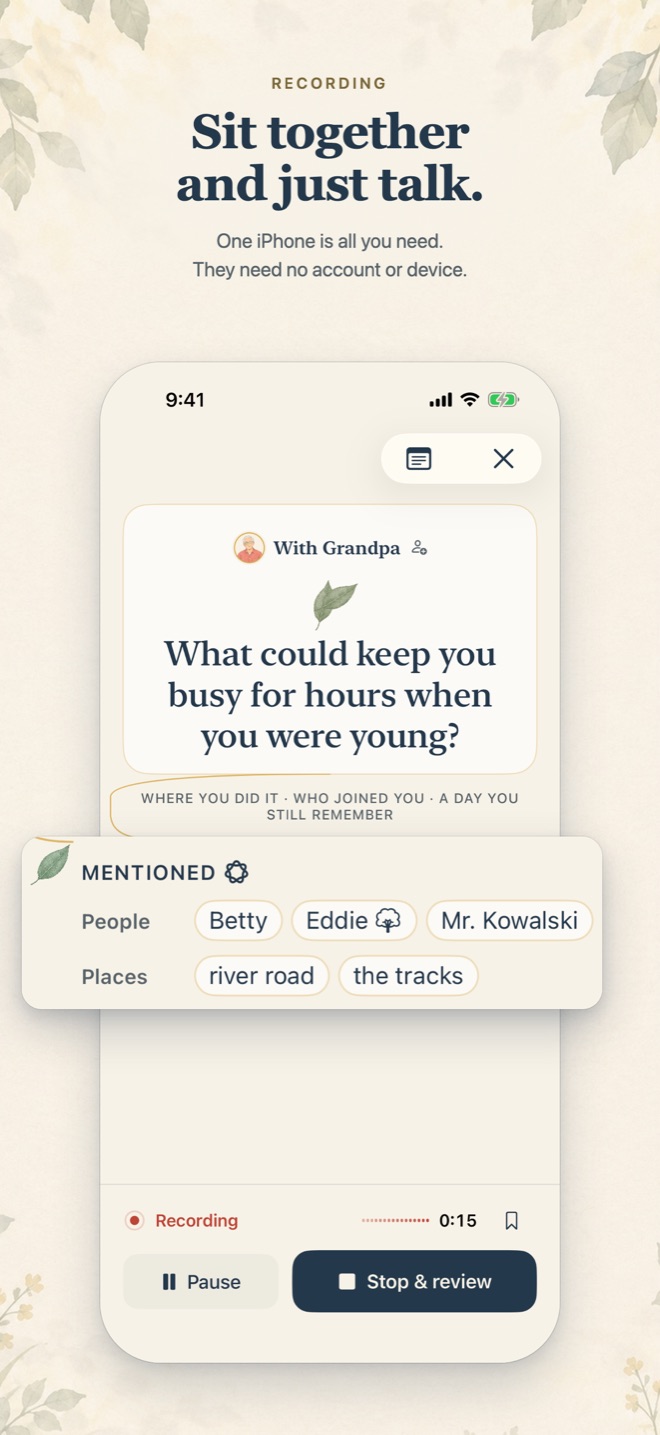
Record together
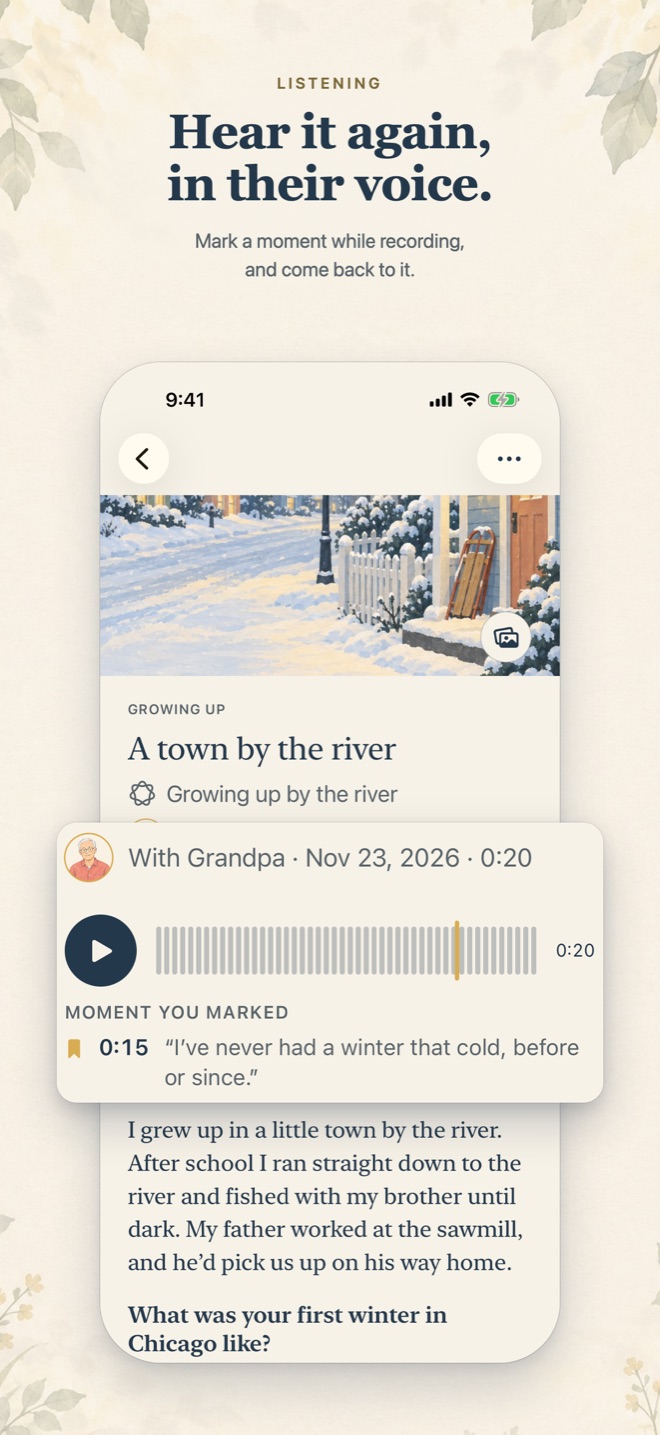
One iPhone is all you need. The other person needs no account or device. Pause, stop or skip any question, and mark a moment to come back to. Lock the screen and recording goes on. Two or more people can tell a story together.
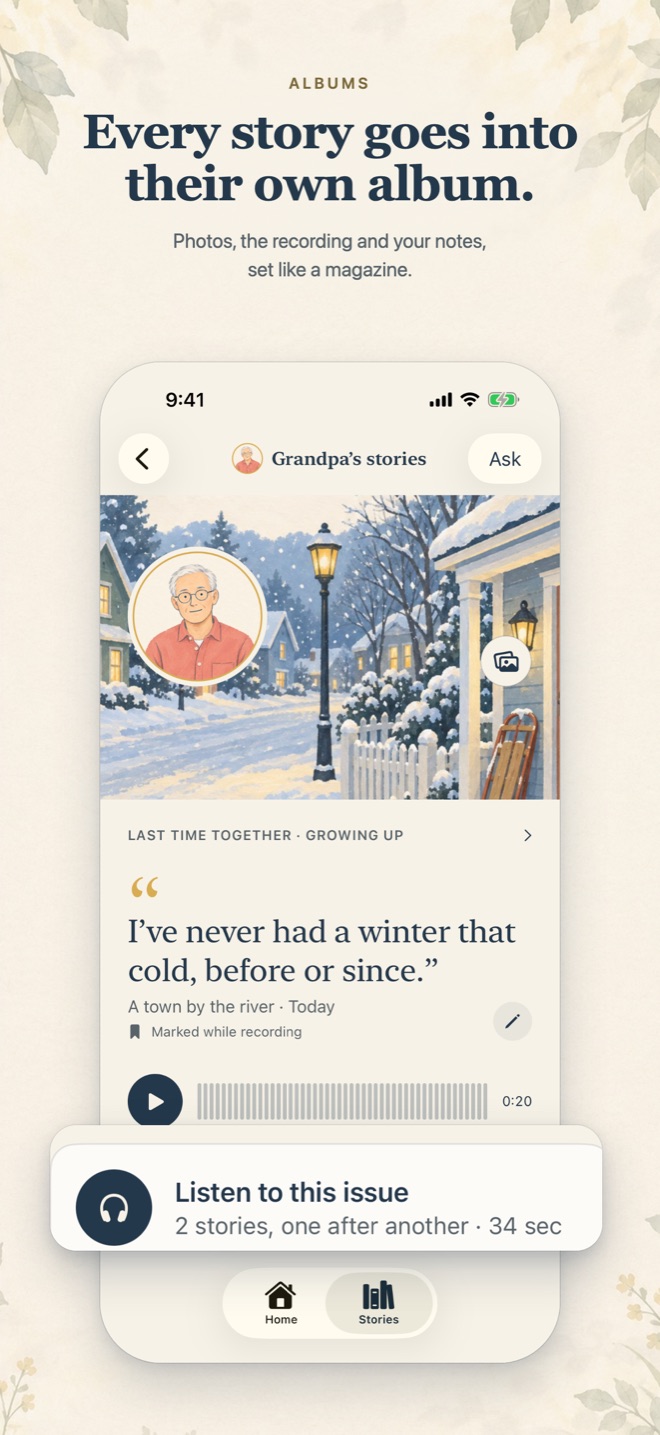
An album for each person
Every story goes into that person’s album, set like a magazine: photos, the recording, your notes and chapters, with the places and years they talked about.
Transcripts, summaries and About pages
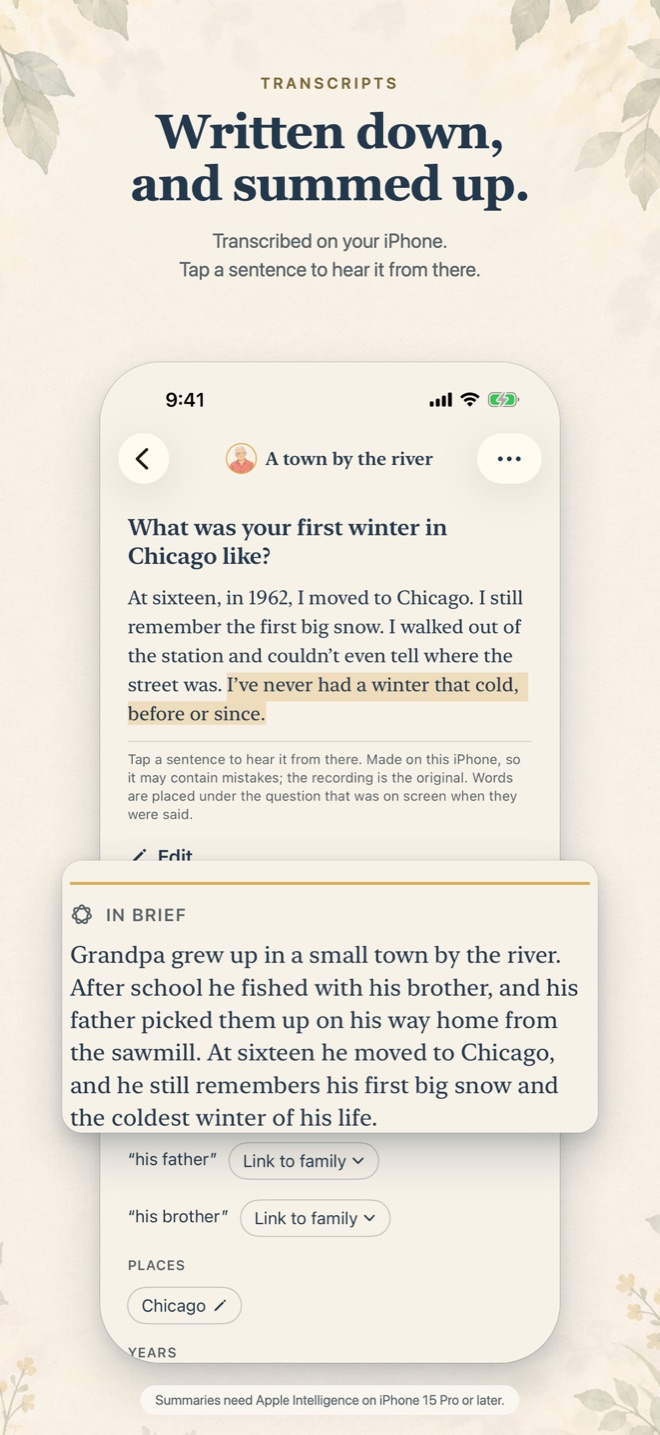
Each story is transcribed on your iPhone. Apple Intelligence writes its summary and headline, and an About page draws on all of someone’s stories. Check misheard names and fix them. Translate a story into your own language.
For those no longer with us
Say someone has passed away, and Us asks the family about them instead.
Share with family, or keep a copy
Hand an album to family nearby who use Us, straight from your iPhone to theirs: they can listen, read, and keep the stories in their own library. Or export it as one ZIP that opens on any computer.
Private by design
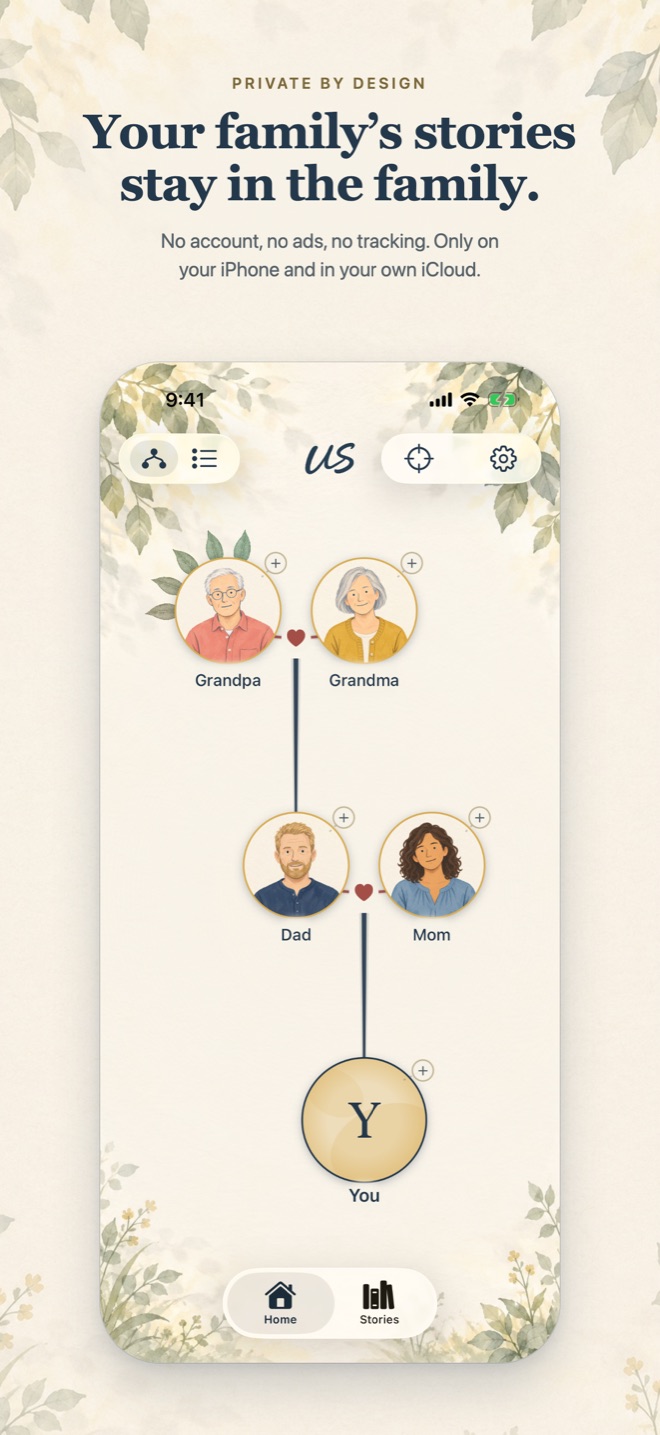
Us has no servers of its own. Your recordings, photos, transcripts and family tree stay on your iPhone and in your own private iCloud. The developer never receives them and can’t see them, so there’s nothing on the developer’s side to leak. No account, no ads, no analytics, no tracking.
Free to start
Stories with yourself and with one family member are free, with their transcripts, summaries and About pages; you choose who when you first record with a second. Exporting an album, and receiving one from family, are free too. Unlock Us, one purchase and never a subscription, adds stories with everyone in your family and sharing albums. With Family Sharing, your whole family gets it.
Summaries, About pages and the list of people mentioned while recording need Apple Intelligence, on iPhone 15 Pro or later. About pages and the check for misheard names also need iOS 27. Make sure everyone is comfortable being recorded.

Sit together. Ask one question. Keep the story.
Support
Which iPhones does Us work on?
iPhones with iOS 26 or later. Summaries and the list of people and places mentioned while recording need Apple Intelligence. Transcripts need Apple’s speech model, which iOS downloads when it is first needed.
What is free, and what does Unlock Us add?
Stories with yourself and with one family member are free, with their transcripts, summaries and About pages; you choose who when you first record with a second. So are the family tree, listening, iCloud, exporting an album as a ZIP, and albums shared with you. Unlock Us, one purchase and never a subscription, adds stories with everyone else in your family, and sharing albums: handing one over to family nearby. Through Family Sharing, everyone in your family group gets it too.
I bought Unlock Us. How do I get it on another iPhone?
In Us, open Settings → Unlock Us and tap Restore purchase, signed in with the same Apple Account.
Where are my stories kept?
In Us on your iPhone and, while Settings → iCloud → Keep in iCloud is on, in your private iCloud. Sign in to a new iPhone with the same Apple Account and your library comes with it. See the privacy policy.
How do I share an album with my family?
You hand it over in person: both of you need Us, with the two iPhones near each other. On your iPhone, go to the foot of the person’s album and, on the card Share <name>’s album, tap Hand over the album. A four-digit number appears. On the other iPhone, open Us, tap Receive an album at the foot of Stories, and enter the number. The first time, each iPhone asks whether Us may use the local network: allow it. If the other iPhone is not found, check that both iPhones have Wi-Fi turned on and are on the same Wi-Fi network, then try again. Keep Us open on both until yours says Handed over. The album goes straight from your iPhone to theirs, not through the internet or iCloud, and stays there on Stories under Shared with you. They can listen and read, and keep the stories in their own library; your notes stay out. An album handed over cannot be taken back, and stories you add later reach them only when you hand it over again. Handing an album over needs Unlock Us; receiving one is free.
Can I keep a copy outside Us?
Yes, and it is free, with or without Unlock Us. At the foot of someone’s album, under the Share card, Export as a ZIP file makes one ZIP of their stories, with the original recordings, transcripts and, if you choose, photos. You choose where to save or send it. It opens on any computer, without Us.
Recording stopped. What happened?
A phone call, Siri, another app’s sound, or unplugging the microphone stops it. Everything recorded until then is kept. Us never starts again by itself: tap Resume recording when everyone is ready.
Contact
Use the contact form. Please say which iPhone and iOS version you use.